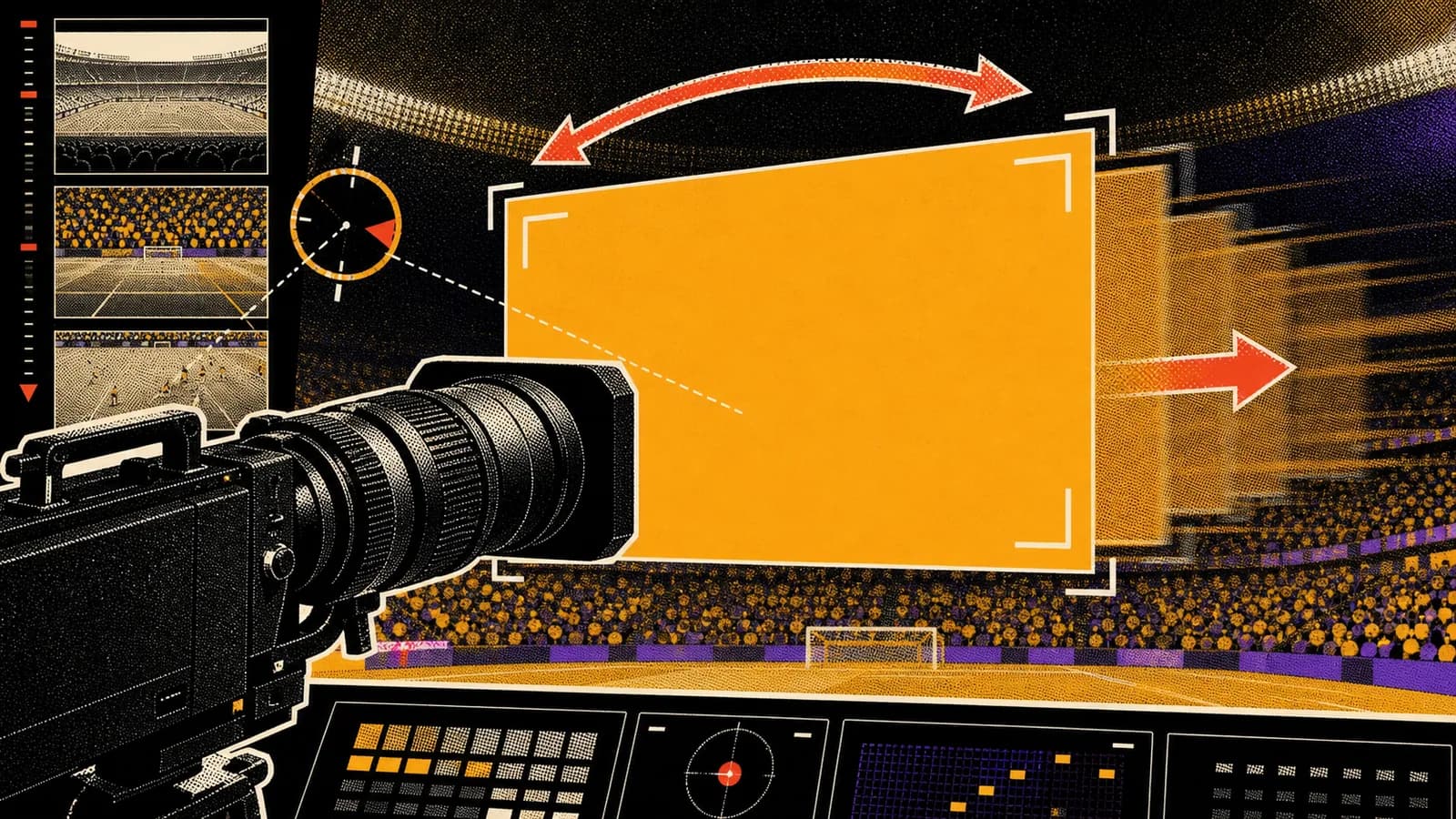
Stadium videos are hard for AI models because they combine many failure points: crowds, faces, hands, lights, seats, text, camera motion, and scale. The way to make them work is to write the prompt like a broadcast direction, not a scene description. Tell the model what the camera does, what the crowd does, and what should stay stable.
Short answer
A realistic stadium broadcast AI video prompt should define the sport, venue, lens, camera movement, crowd behavior, lighting, and consistency rules. ChatGPT can help write the prompt, GPT Image 2 can create the reference frame, and Kling can animate a controlled broadcast move.
The most reliable camera instructions are slow zoom, subtle handheld drift, short pan, rack focus, and broadcast hold. Avoid extreme motion, fast cuts, readable overlays, and branded team elements unless you have usage rights.
Key takeaways
- Write stadium prompts as broadcast directions, not generic scene descriptions.
- Use one camera movement per clip for cleaner Kling output.
- Crowd behavior should be subtle, layered, and natural.
- Consistency rules are essential for reference-based AI video.
Use this guide when you want to
- Generating realistic sports broadcast clips from still images.
- Creating prompt templates for fan-cam, scoreboard, sideline, or crowd-reaction videos.
- Improving Kling image-to-video results with clearer camera direction.
- Writing Seedory blog and prompt content around AI video workflows.
Start with broadcast format
A stadium prompt should identify the format before the subject. Is this a fan-cam shot, sideline broadcast, scoreboard replay, crowd reaction, player entrance, or wide establishing shot? The format decides the lens, crop, motion, and pacing.
For the fan-cam trend, the best format is usually a telephoto sports broadcast shot from across the stadium. This creates compressed crowd depth and makes the camera feel like it belongs to a real game.
Control the lens and crop
Lens language matters. Terms like telephoto sports camera, long-lens broadcast shot, shallow crowd compression, and slight handheld drift help the model understand the visual grammar. A generic cinematic camera prompt can push the result away from TV realism.
The crop should be clear too. Tell the model whether the subject is centered, framed waist-up, visible among the crowd, or shown on a stadium screen. If the crop changes during the clip, describe the move slowly.
Make crowd motion believable
Crowds should move like background texture, not like a synchronized dance. Ask for subtle head turns, small hand waves, natural cheering, tiny light flickers, and layered movement at different depths. This helps the stadium feel alive without overwhelming the model.
If the crowd becomes noisy or warped, simplify the shot. Use a clearer still frame, reduce the number of visible faces, or ask for softer background blur. Realism often improves when the prompt is less ambitious.
Use one camera move
Kling can create convincing motion, but stadium shots can break when the prompt demands several camera actions at once. Choose one move: slow push-in, gentle pan, short zoom out, slight handheld broadcast shake, or a hold with natural crowd movement.
A strong prompt might say: slow telephoto zoom toward the subject for three seconds, slight handheld broadcast drift, crowd moves naturally in the background, preserve stadium lighting and seating layout, no overlays. That is enough direction for one clip.
Add consistency rules
Consistency rules protect the output. If the source image includes a person, product, mascot, or specific scene, state what must remain unchanged. Preserve identity, outfit, pose, seating row, stadium scale, lighting direction, and crop.
For public publishing, also add exclusion rules: no readable text overlays, no real team logos, no brand marks, no distorted scoreboard words, no extra fingers, no face morphing. These constraints reduce obvious AI artifacts.
Turn prompts into a workflow
The best stadium workflow has three assets: a still-image prompt, a video-motion prompt, and a repair prompt. The still prompt creates the frame. The motion prompt animates it. The repair prompt explains what to change after the first generation fails.
Seedory can store those as reusable prompt cards. That is more useful than saving only one viral example because it lets creators adapt the structure to baseball, football, soccer, concerts, esports, or other crowd-based scenes.
Frequently asked questions
What is a realistic stadium broadcast AI prompt?
It is a prompt that describes a sports broadcast camera setup, including lens, crop, stadium lighting, crowd depth, camera movement, and consistency rules.
What camera move works best in Kling?
A slow zoom or subtle handheld broadcast drift is usually more reliable than fast pans, dramatic cuts, or complex multi-step camera moves.
Why do stadium AI videos glitch?
They glitch because the model must manage many small faces, hands, seats, lights, and moving crowd elements while preserving camera motion. Clearer still frames and simpler motion prompts help.
Can this workflow work outside sports?
Yes. The same structure can work for concerts, esports arenas, award shows, and large crowd events if the prompt defines the camera language and crowd behavior.
Continue exploring
Related guides
AI Image Models
GPT Image 2: What OpenAI's New Image Model Means for Creators
GPT Image 2 is not just another AI image model update. It changes how creators can think about prompts, edits, reference images, and production-ready visual work.
Prompt Writing
How to Write Better AI Image Prompts
Better AI image prompts are built, not guessed. A strong prompt tells the model what matters, what can stay simple, and how the final image should feel.
Commercial
AI Ad Creative Prompts for Paid Social Testing
Ad creative prompts need more than beauty. They need a reason to stop the scroll and a structure that can be tested across variants.