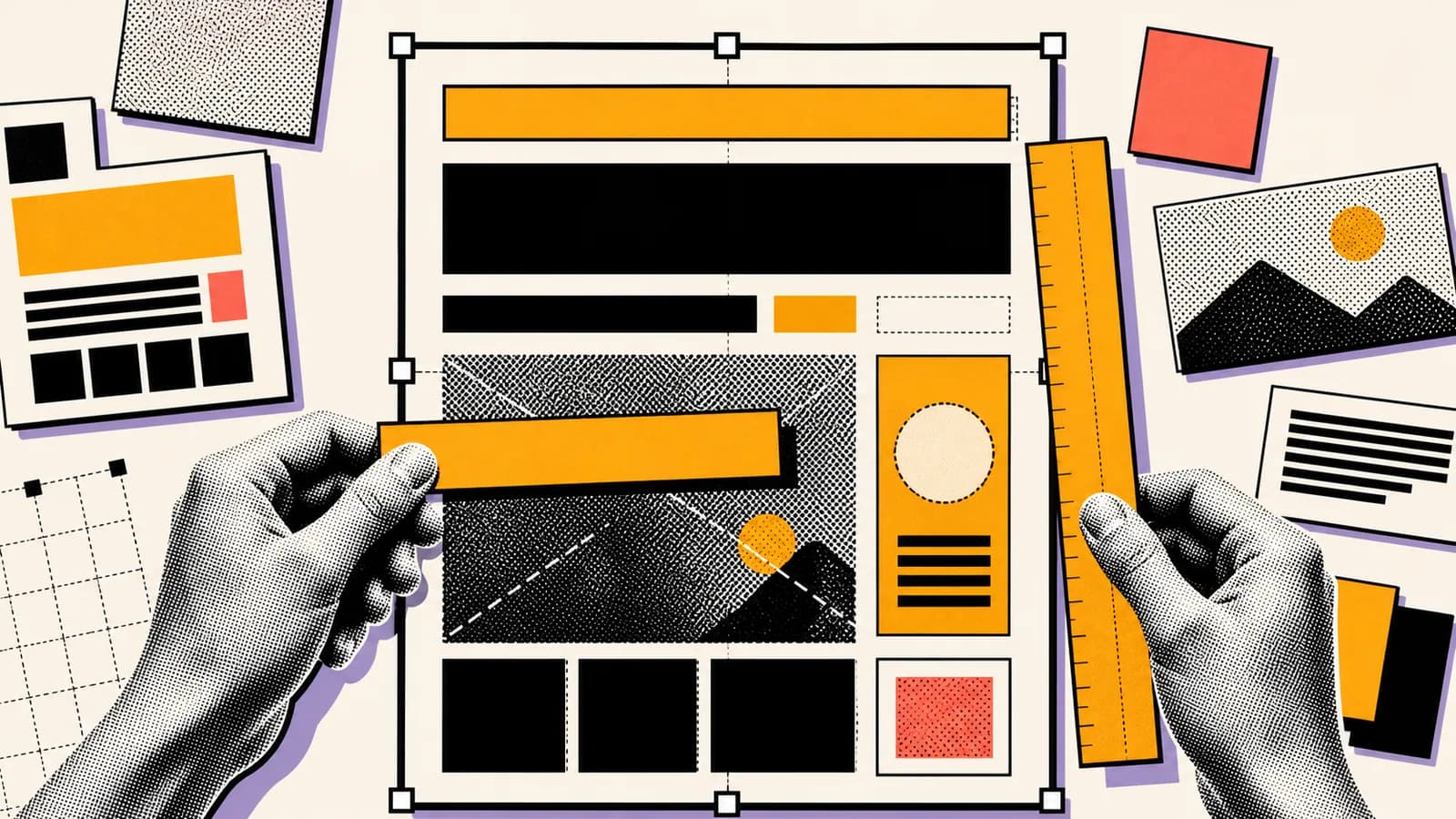
Design prompts are different from scene prompts. A poster, banner, ad, menu, slide, or social graphic needs layout hierarchy. GPT Image 2 can help with this kind of work, but the prompt has to describe the canvas, the spacing, the visual blocks, and whether text should be generated or left blank for later design.
Short answer
GPT Image 2 text and layout prompts should define the asset type, aspect ratio, layout hierarchy, visual blocks, text behavior, spacing, style, and constraints. If exact text matters, provide it clearly. If the design will be finished elsewhere, ask for blank text zones or non-readable placeholder bars.
The most reliable design workflow is to use GPT Image 2 for composition, imagery, mood, and rough layout, then verify or finalize exact typography in a design tool when precision matters.
Key takeaways
- Design prompts need canvas and hierarchy instructions, not just style words.
- Use blank text zones when exact typography will be added later.
- Ask for non-readable placeholder bars if you do not want generated text.
- Check every final asset for spelling, alignment, and layout before publishing.
Use this guide when you want to
- Creating poster, banner, and blog-cover concepts with GPT Image 2.
- Planning layouts before finishing typography in a design tool.
- Writing Seedory prompt templates for design-oriented image generation.
- Avoiding fake text and messy composition in AI-generated graphics.
Design prompts need layout language
A design prompt should start with the asset type and canvas. A 16:9 blog cover, square social post, vertical story, product banner, and presentation slide all require different composition. If the prompt does not define the canvas, the model chooses the layout for you.
Then define hierarchy. What should be largest? What should sit in the background? Where should the focal point go? Should there be negative space for later typography? These are design questions, not decoration.
Decide how text should behave
If exact text matters, provide the words plainly and keep the design simple enough to check. If exact text does not matter, ask for no readable text, blank title zones, or abstract placeholder bars. This prevents fake letters from becoming part of the artwork.
For Seedory blog covers, the better choice is usually no readable text in the generated image. The website can render the real title separately, while the cover provides a strong visual metaphor.
Prompt visual blocks
Design assets often work better when described as blocks: hero image area, title zone, supporting shape, texture field, product cutout, frame, badge, or background pattern. GPT Image 2 can use those blocks to organize the composition.
A prompt might say: central poster board, large blank title zone at top, image block below, amber alignment ruler, thick black border, off-white background, no readable text. That gives a layout without asking the model to invent typography.
Use style without losing function
A beautiful design that cannot be used is not a finished asset. Keep style rules tied to the purpose. For a blog cover, ask for thumbnail readability. For an ad, ask for product clarity and space for copy. For a poster, ask for hierarchy and strong contrast.
This is where structured prompts beat aesthetic adjectives. Instead of saying modern poster, define the grid, focal point, contrast, texture, and text behavior.
Verify before publishing
Any AI-generated design with text or layout should be checked manually. Look for misspellings, fake letters, broken alignment, awkward spacing, accidental logos, and visual elements that make future text hard to read.
If the output is close, revise only the failed layer. Ask for more negative space, fewer elements, stronger alignment, a simpler title zone, or no text at all. Small changes are easier to evaluate than a full rewrite.
How Seedory can help
Seedory can store design prompt formulas that separate canvas, hierarchy, visual metaphor, style rules, and text behavior. That makes it easier to generate consistent blog covers, posters, and social graphics without starting from scratch.
For GPT Image 2, this is the practical advantage: prompts can become reusable design briefs. The model handles visual generation, while the creator keeps control over layout and publishing quality.
Frequently asked questions
Can GPT Image 2 create text in images?
GPT Image 2 is designed for image generation and editing, including design-oriented outputs, but any generated text should still be checked before publishing.
What if I do not want text in the image?
Say no readable text, no letters, no logos, and use blank text zones or abstract placeholder bars.
How should I prompt for poster layouts?
Define the canvas, focal point, hierarchy, text zones, image blocks, style, and constraints. Treat the prompt like a design brief.
Should I finish typography in another tool?
For exact brand typography or important copy, it is often safer to generate the visual layout first and finish final text in a design tool or website UI.
Continue exploring
Related guides
AI Image Models
GPT Image 2: What OpenAI's New Image Model Means for Creators
GPT Image 2 is not just another AI image model update. It changes how creators can think about prompts, edits, reference images, and production-ready visual work.
Prompt Writing
How to Write Better AI Image Prompts
Better AI image prompts are built, not guessed. A strong prompt tells the model what matters, what can stay simple, and how the final image should feel.
Commercial
Professional AI Headshot Prompts for Founders, Teams, and Creators
Professional headshots are less about glamour and more about trust, clarity, and control. The prompt should serve that goal directly.