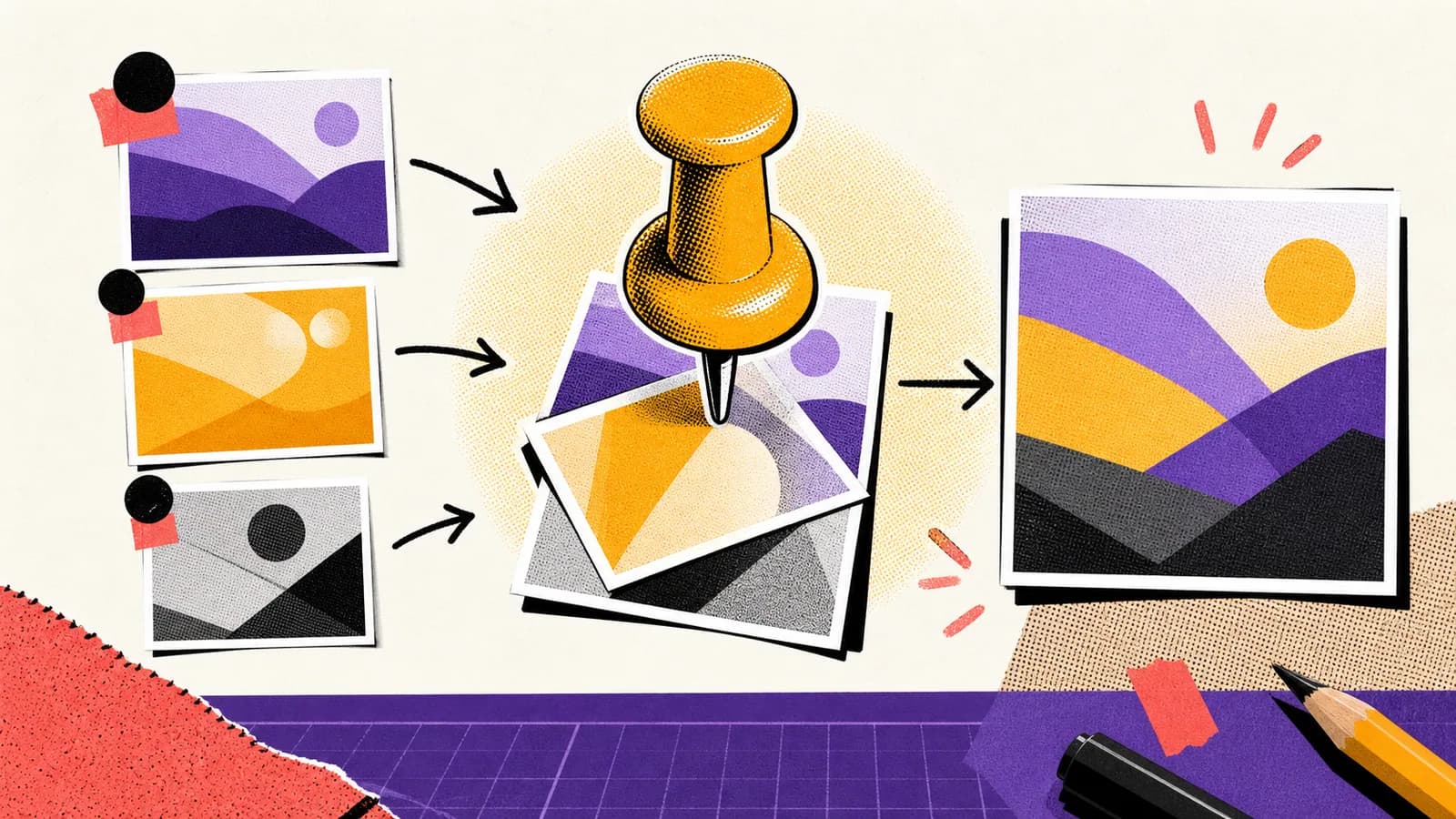
Reference images are powerful because they reduce guesswork. They can anchor style, composition, product shape, character identity, color palette, texture, or lighting. But a reference image is not a complete instruction. GPT Image 2 still needs to know which parts of the reference matter and which parts should change.
Short answer
A GPT Image 2 reference image workflow uses one or more input images as anchors for the generated or edited output. The prompt should assign each reference a role, such as identity reference, style reference, layout reference, product reference, or lighting reference.
The most reliable workflow is to separate preservation rules from transformation rules. Say what must stay the same, what should change, and what the final image needs to accomplish.
Key takeaways
- Reference images should have explicit roles in the prompt.
- Preservation rules protect identity, product shape, layout, or style.
- Transformation rules explain what should change in the final output.
- Reference workflows are best when reused as prompt templates.
Use this guide when you want to
- Keeping product visuals consistent across generated scenes.
- Using a style reference to create a matching blog cover, poster, or ad concept.
- Editing existing images while preserving identity or layout.
- Building Seedory prompt templates for reference-driven image generation.
Give every reference a role
When you attach a reference image, do not assume the model knows why it is there. Label the role inside the prompt. Is it a style reference, identity reference, product reference, layout reference, lighting reference, or mood reference? Each role creates different expectations.
A style reference should influence texture, palette, and visual language. An identity reference should preserve face, hair, proportions, or character design. A layout reference should preserve composition but not necessarily the subject.
Separate preserve and change rules
The clearest prompt has two blocks: preserve and change. Preserve the product angle, label visibility, and lighting direction. Change the background, add a new surface, and crop for a website hero. This is easier for GPT Image 2 to follow than a single blended sentence.
This structure also makes revisions easier. If the image changes the wrong part, strengthen the preserve rule. If it copies too much from the reference, strengthen the change rule.
Use style anchors carefully
A style anchor can make a series feel consistent. For Seedory covers, the anchor might be halftone texture, off-white paper, thick black outlines, amber accents, and simple central metaphors. The topic changes, but the visual system remains recognizable.
The risk is over-copying. If a style reference includes a specific subject, the prompt should say to use only the texture, palette, composition logic, or lighting, not the original subject.
Reference workflows for editing
For editing, be precise about the target image. Tell GPT Image 2 which image is the edit target and which image is a supporting reference. Then explain the edit in practical terms: replace background, preserve product, change lighting, remove clutter, extend canvas, or create a new crop.
This prevents a common failure where the model blends all references together. Clear image roles make the output feel intentional.
Quality checklist
Check whether the final image preserved the correct things. Did the product shape drift? Did the face change? Did the style reference override the content? Did the layout stay useful? Did unwanted text or logos appear?
A reference workflow is successful when it gives you control, not just similarity. The image should serve the new brief while carrying the right visual memory from the input.
How Seedory can store the workflow
Seedory can turn reference image workflows into reusable prompt cards. Each card can include input roles, preservation rules, transformation rules, and exclusions. That makes the workflow faster for creators who repeatedly make blog covers, ads, product visuals, and social assets.
This is especially useful as image models improve. Better models can follow richer reference instructions, so a well-structured prompt becomes a more valuable creative asset.
Frequently asked questions
What is a GPT Image 2 reference image workflow?
It is a workflow where one or more input images guide the generated or edited output, usually by anchoring style, identity, layout, lighting, or product details.
How do I tell GPT Image 2 what a reference is for?
State the role directly: use this image as a style reference, identity reference, layout reference, product reference, or lighting reference.
What should I preserve in a reference workflow?
Preserve only the details that matter to the brief, such as identity, product shape, color palette, layout, lighting direction, or visual texture.
Can Seedory help with reference prompts?
Yes. Seedory can store reusable prompt structures for reference roles, preservation rules, change rules, and exclusions.
Continue exploring
Related guides
AI Image Models
GPT Image 2: What OpenAI's New Image Model Means for Creators
GPT Image 2 is not just another AI image model update. It changes how creators can think about prompts, edits, reference images, and production-ready visual work.
Prompt Writing
How to Write Better AI Image Prompts
Better AI image prompts are built, not guessed. A strong prompt tells the model what matters, what can stay simple, and how the final image should feel.
Seedory Workflow
How to Use Reference Images for Better AI Image Edits
Reference images work best when they give the model a job. Uploading more images is not automatically better if each one points in a different direction.