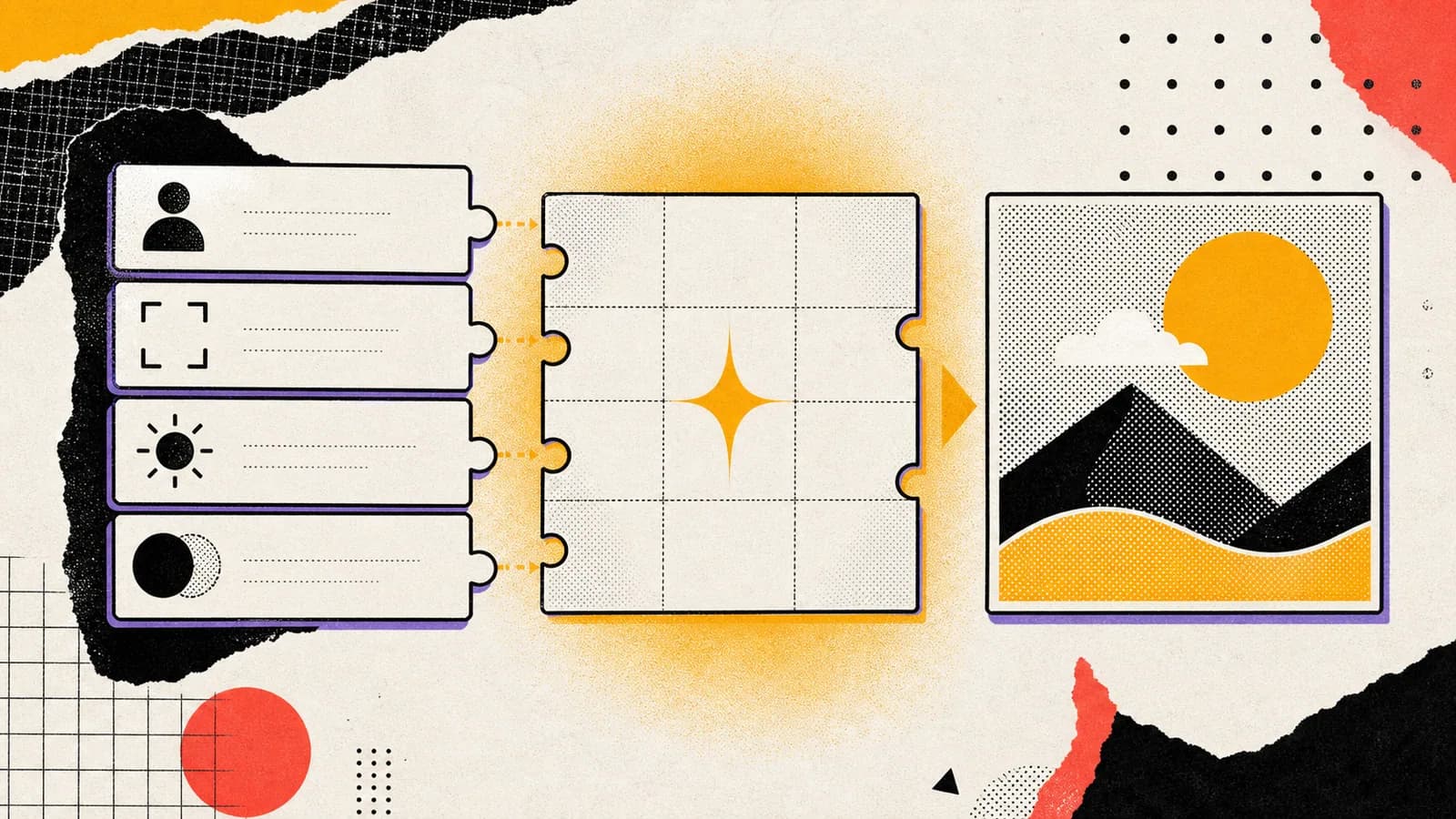
GPT Image 2 is built for image generation and editing, but better model capability does not remove the need for better prompts. It raises the ceiling. If the prompt is vague, the model still has to guess. If the prompt is structured like a creative brief, it can follow the job more closely.
Short answer
A strong GPT Image 2 prompt should define the image type, purpose, subject, composition, lighting, style, reference role, and constraints. This structure gives the model enough direction to produce useful visuals instead of attractive but mismatched images.
The most reusable pattern is: create a specific image type for a specific purpose, featuring the main subject, in a clear setting, composed with a defined crop, using named lighting and style rules, while excluding unwanted elements.
Key takeaways
- GPT Image 2 prompts work best when they act like creative briefs.
- Start with the image job before describing the aesthetic.
- Separate subject, composition, lighting, style, and constraints.
- Reusable prompt structures are easier to improve than one-off adjective stacks.
Use this guide when you want to
- Writing better GPT Image 2 prompts for blog covers, ads, product shots, and social visuals.
- Turning Seedory prompt ideas into reusable creative systems.
- Improving image prompt consistency across campaigns.
- Teaching creators how to move from vague prompts to production briefs.
Start with the image job
The first line of a GPT Image 2 prompt should explain what the image is for. A blog cover, product hero, social ad, editorial portrait, poster concept, or UI mockup all need different crops and levels of detail. The image job determines the rest of the prompt.
A vague prompt starts with a mood. A useful prompt starts with a deliverable. Create a 16:9 editorial blog cover is more helpful than make something futuristic because it tells the model the format and design purpose.
Define the subject and setting
After the image job, define the subject and setting. The subject is what the viewer must notice first. The setting gives context without stealing attention. If the setting is too broad, the model may fill the frame with distracting details.
For example, instead of a creator using AI, write: a single blank prompt card on a design desk, surrounded by reference swatches and a clean image frame. That gives the model objects, layout, and hierarchy.
Control composition
Composition instructions are often more important than style words. Tell GPT Image 2 whether the image should be centered, diagonal, close-up, wide, top-down, symmetrical, editorial, grid-based, or full-bleed. Also mention negative space if the asset needs room for text outside the generated image.
A strong composition line might say: one bold central object, clean negative space on the right, thick border shapes, high contrast, readable at thumbnail size. This prevents the model from creating a beautiful but unusable cluttered image.
Add lighting and style rules
Lighting and style should be specific. Instead of premium lighting, use soft window light, hard flash, stadium floodlights, studio rim light, warm product glow, or flat graphic poster lighting. Instead of modern style, use halftone collage, clean ecommerce realism, editorial fashion photography, or product catalog lighting.
Specific rules make the prompt easier to test. If the image is too dark, change the lighting line. If the output feels off-brand, change the style rules. Structured prompts are easier to debug.
Use constraints without overloading
Constraints tell GPT Image 2 what not to include. Useful constraints include no readable text, no logos, no extra hands, no clutter, no photorealistic people, no fake UI, or no warped labels. Keep constraints relevant to the asset.
Too many constraints can make the prompt harder to follow, so prioritize the risks that matter most. For blog covers, text and logos may be the biggest risks. For product images, label visibility and object shape may matter more.
A reusable formula
Use this formula: create a [format] for [purpose], featuring [subject], in [setting], composed as [crop/layout], with [lighting], in [style], preserving [reference rules], excluding [risk elements]. This turns a prompt into a system.
Seedory can help by storing this formula as reusable prompt templates. Creators can swap the subject, setting, or style while keeping the structure that produces more controlled GPT Image 2 outputs.
Frequently asked questions
What is the best GPT Image 2 prompt structure?
The best structure defines format, purpose, subject, setting, composition, lighting, style, reference role, and constraints in that order.
Do GPT Image 2 prompts need to be long?
Not always. They need to be clear. A short structured prompt often works better than a long list of vague adjectives.
Should I include negative prompts?
Use constraints when they prevent common failures, such as readable text, logos, clutter, fake UI, distorted hands, or unwanted style drift.
How does Seedory help with GPT Image 2 prompts?
Seedory gives creators structured prompt starting points that can be adapted into reusable creative briefs for GPT Image 2.
Continue exploring
Related guides
AI Image Models
GPT Image 2: What OpenAI's New Image Model Means for Creators
GPT Image 2 is not just another AI image model update. It changes how creators can think about prompts, edits, reference images, and production-ready visual work.
Prompt Writing
How to Write Better AI Image Prompts
Better AI image prompts are built, not guessed. A strong prompt tells the model what matters, what can stay simple, and how the final image should feel.
Subject Guides
Best AI Image Prompts for Men’s Portraits and Editorial Concepts
Men’s prompt collections work best when they separate subject relevance from image role and point users toward the right style lane.