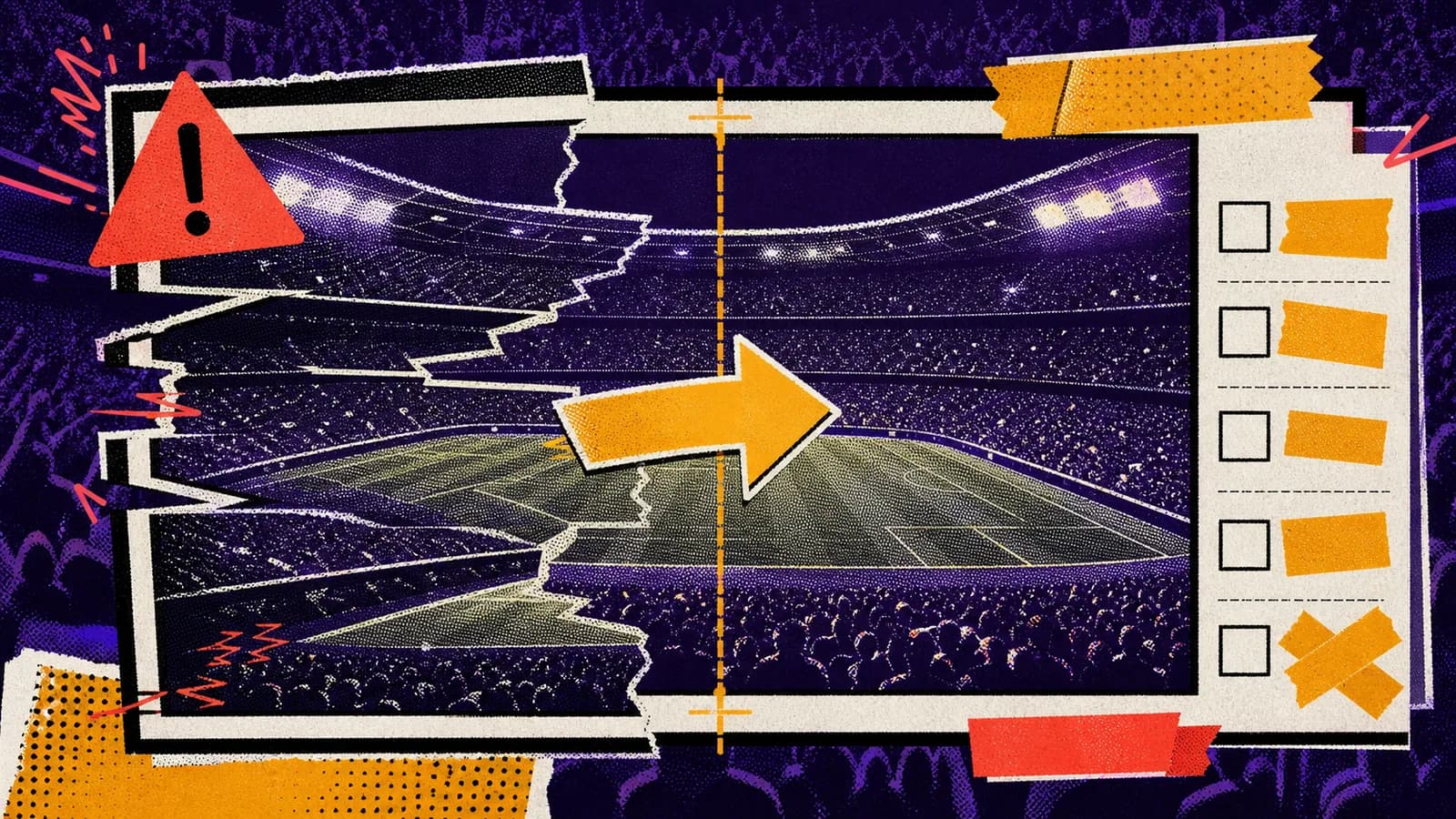
The stadium fan-cam trend can look surprisingly real, but it also exposes the weak points of AI video: warped crowds, flickering faces, fake text, impossible seating rows, unstable camera paths, and identity drift. The fix is usually not a longer prompt. It is a cleaner reference frame and stricter motion direction.
Short answer
To fix Kling stadium fan-cam glitches, start by improving the still image. Make the stadium layout cleaner, reduce background clutter, avoid readable signage, and define the subject position. Then simplify the video prompt to one camera movement with clear consistency rules.
The most common fixes are slower zooms, fewer visible faces, stronger lighting consistency, no text overlays, no real logos, and explicit instructions to preserve identity, outfit, seating layout, and camera crop.
Key takeaways
- Most Kling stadium glitches begin in the reference image, not the video prompt.
- Simpler camera movement often looks more realistic than ambitious motion.
- Remove readable signage and logos before animation to avoid warped text.
- Use explicit consistency rules for identity, lighting, seating, and crop.
Use this guide when you want to
- Repairing AI stadium fan-cam videos before posting.
- Improving Kling image-to-video prompts that produce warped crowds or unstable motion.
- Creating QA checklists for Seedory AI video prompt templates.
- Turning failed viral trend attempts into cleaner prompt systems.
Fix the reference frame first
If the still image has unclear seating rows, warped background faces, fake signage, or confusing lighting, Kling will usually amplify those problems. The reference frame is the foundation. Clean it before asking for video motion.
A better still frame has a clear subject, fewer competing details, a stable camera angle, realistic stadium scale, and no readable text. If the trend needs a scoreboard or jumbotron, keep it blank or abstract instead of relying on generated words.
Reduce the camera move
Many failed clips try to combine zoom, pan, crowd reaction, scoreboard reveal, and subject movement in one short video. That makes the model juggle too many transformations. Choose one camera move and let the crowd provide subtle background life.
For a repair prompt, say: use a slower broadcast zoom, preserve the original framing, keep the crowd motion subtle, avoid sudden camera jumps, and hold on the subject at the end. This often fixes the artificial wobble.
Control crowd detail
Crowds are difficult because they contain many tiny bodies and faces. If the output flickers, ask for softer background crowd detail, slight depth of field, and natural small movements instead of visible individual reactions from every person.
You can also adjust the still prompt. Put the main subject in a cleaner area, blur the far rows slightly, or use graphic crowd density without requiring every face to be sharp. The model has less to break.
Avoid fake text and logos
Generated stadium text is a common giveaway. Scoreboards, jerseys, banners, ad boards, and TV overlays can turn into unreadable marks during video generation. Unless exact text is essential, keep these elements blank, abstract, or out of frame.
Real team logos create another problem: rights and accuracy. For trend content, describe color, atmosphere, and broadcast energy instead of using protected marks. The video can still feel like sports without copying a real broadcast package.
Add consistency rules
Kling needs to know what must not change. Add direct instructions: preserve identity, outfit, seating row, stadium layout, lighting direction, and camera crop. If the source image includes a person, mention that the face and proportions should remain stable.
Do not bury those rules after a long cinematic description. Put consistency rules near the end as a clear checklist. This makes the prompt easier to reuse and easier to debug after each generation.
Use a repair loop
A good workflow has a repair loop: generate, inspect, identify the failure, change one variable, and rerun. If faces morph, reduce crowd detail. If the camera jumps, slow the move. If signs warp, remove text. If the subject changes, strengthen identity rules.
Seedory can turn those repairs into prompt notes so every future stadium trend template becomes better. The goal is not one perfect prompt. The goal is a repeatable process that improves each attempt.
Frequently asked questions
Why does my Kling stadium video look warped?
Stadium videos contain many small moving details, so weak reference frames, dense crowds, fake text, and complex camera moves can create warping.
What is the fastest fix for fan-cam glitches?
Simplify the camera move. Use a slow zoom or subtle handheld drift, then add clear rules to preserve the subject, lighting, seating layout, and crop.
Should I remove scoreboard text?
Yes, unless exact text is essential and you can verify it. Blank or abstract scoreboards usually produce cleaner AI video.
Can ChatGPT help repair Kling prompts?
Yes. Use ChatGPT to diagnose the visible failure and rewrite the prompt with one targeted correction instead of adding more generic detail.
Continue exploring
Related guides
AI Image Models
GPT Image 2: What OpenAI's New Image Model Means for Creators
GPT Image 2 is not just another AI image model update. It changes how creators can think about prompts, edits, reference images, and production-ready visual work.
Prompt Writing
How to Write Better AI Image Prompts
Better AI image prompts are built, not guessed. A strong prompt tells the model what matters, what can stay simple, and how the final image should feel.
Seedory Workflow
How to Use Reference Images for Better AI Image Edits
Reference images work best when they give the model a job. Uploading more images is not automatically better if each one points in a different direction.